
Searching for a Warrant in Hidalgo County
Hidalgo County runs no single warrant-search portal that ties the sheriff, district and county courts, JP offices, and city courts together. Match the source to the case. The Records Inquiry portal covers criminal cases, jail records, bonds, the calendar, and civil or family selections. Pick its criminal option for a county case. Then let that court confirm any warrant notation. For a ticket or JP case, open the JP and ScoffLaw Case Information System and select the court or city named on the citation. The county's JP directory lists contacts for each place. An empty result still proves nothing countywide.
- Write down your own full name, birth date, cause or citation number, and the court or precinct printed on the notice.
- Select Criminal Case Records in Odyssey for a district or County Court at Law matter; use the other categories only for the record type they name.
- Search Go2Gov for a participating JP or city case, read the terms, and save a payment receipt if you resolve a balance.
- Call the issuing court when a portal is blank, unclear, or still shows an old amount or status.
- Ask the Sheriff’s Office about service or agency routing, then use the court’s written record process if a document is needed.
The Odyssey Screen Separates Case Types
Hidalgo County Records Inquiry opens with record categories, not one warrant-search box. District Clerk material treats the case number as the easiest key. A name plus date of birth works when the number is unknown. The public text says nothing about partial-name behavior or an exact number format. The category menu is a public-access entry screen. It does not promise that each category holds every piece of active process. The official Odyssey landing page separates criminal, jail, bond, calendar, and civil or family views.
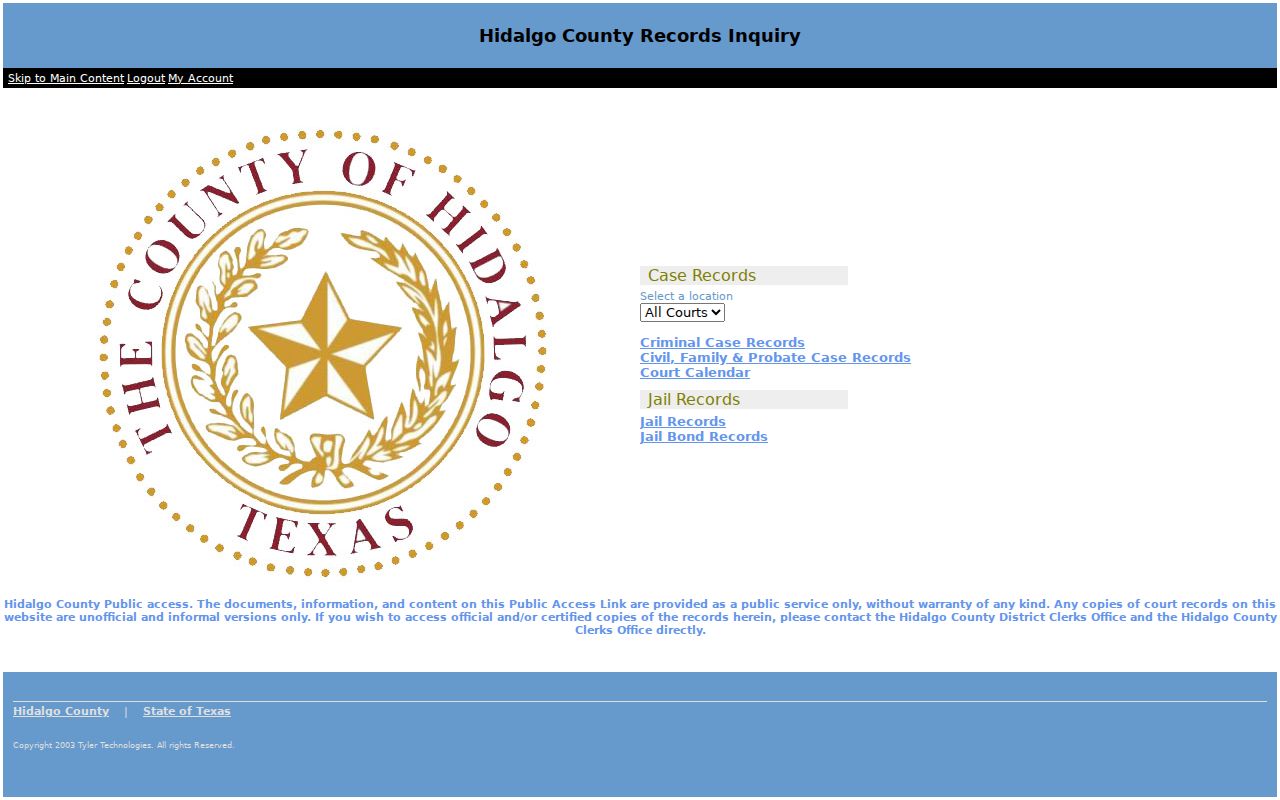
Treat the case result as a lead back to the Hidalgo County court that owns the file. That matters most when a docket entry is recent or sensitive.
Warrant Search Fields Explained
The criminal search in Hidalgo County publishes no complete field list in its text help. A date of birth is worth adding. It separates people who share a name. Go2Gov lists its court locations, but the field names behind its acceptance screen are not exposed. Don't guess at a local warrant-number prefix. And never assume an optional field behaves the same in every court.
| Field or choice | Type | Required | Hidalgo County notes |
|---|---|---|---|
| Record category | Selection | Yes | Criminal, civil/family/probate, calendar, jail, or jail bond. |
| Case or cause number | Text | No | Strongest key; exact local format is not published. |
| Name and birth date | Text and date | No | Official District Clerk material documents both as alternatives. |
| Court or place | Selection | Portal dependent | Choose the issuing JP or participating municipal court in Go2Gov. |
| Citation number | Text | Optional | Pharr calls it recommended on its case-question form. |
Go2Gov Has a Partial-Case Notice
The Hidalgo JP/ScoffLaw page carries a caveat. Its online payment application may not show every unpaid case. It also warns that an outstanding arrest warrant can stay enforceable for the one to two business days before a payment posts. A receipt proves only the attempt. The issuing court confirms whether the docket or warrant has changed. So use Go2Gov to review one participating court's case and payment route, not as the active-warrant universe for Hidalgo County. With more than one citation, each issuing court may set its own amount, appearance rule, and compliance report. The county JP page points ticket and warrant-postcard readers to this system.
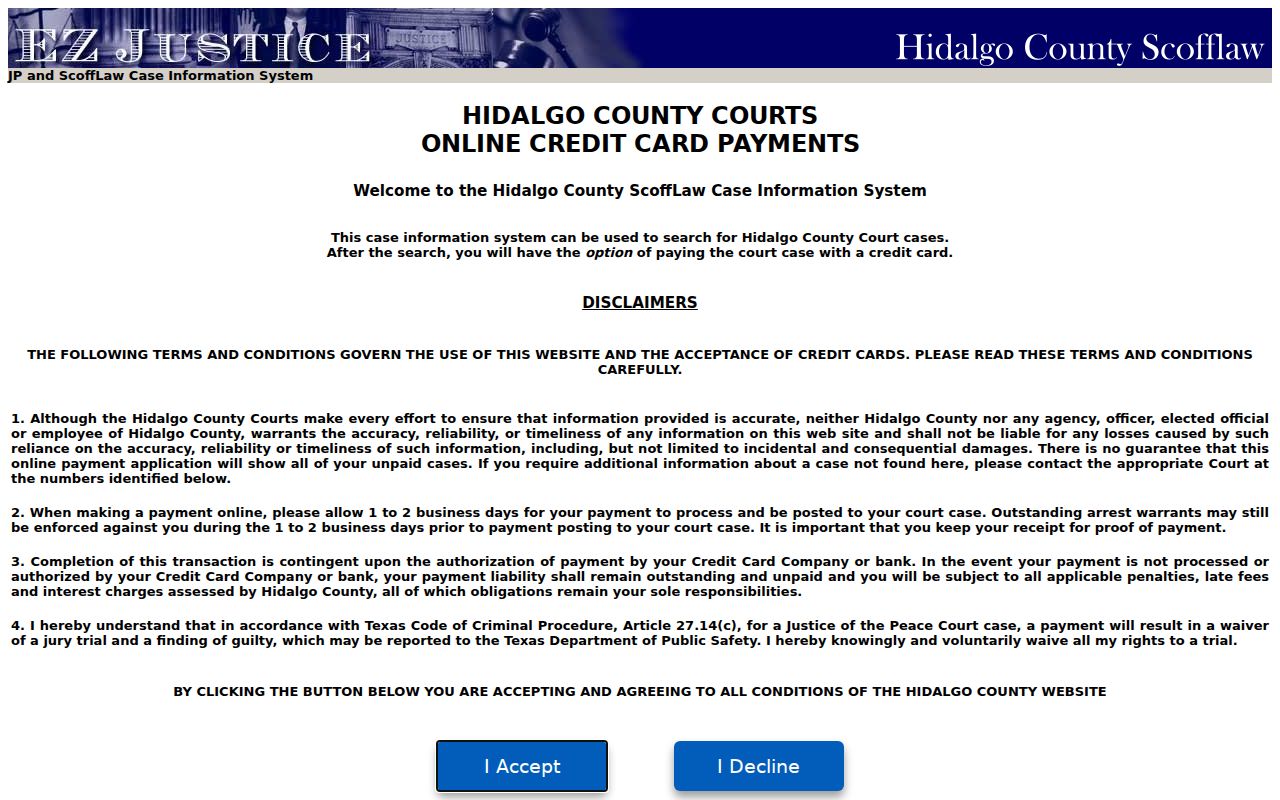
Read the acceptance notice before you submit a payment. If you need an arrangement or a hearing, call the named Hidalgo County JP directly.
What a Warrant Search Shows
A Hidalgo County search can return a case docket, charge, court, bond entry, and event dates. What it often lacks is a separate warrant number. There may be no clear active-or-served code either. The county publishes no single code list. So check any portal label with the clerk or the judge's office. These common fields describe what a court record may hold, and the views differ. Odyssey copies are marked unofficial, and the Go2Gov payment screen is not a court order.
| Case identifier | Cause or citation number from the court paper; no countywide warrant format was published. |
|---|---|
| Process type | Arrest, alias, FTA/bench, capias, or capias pro fine, as the court labels it. |
| Issuing authority | The Hidalgo court, JP place, or city court that opened the case. |
| Bond or balance | A case-specific amount, if entered; it is not a countywide bond schedule. |
| Event status | Issue, service, recall, payment, or return dates may update at different times. |
McAllen Phone Confirmation Uses Two Identifiers
McAllen Municipal Court will confirm pending-warrant information and the amount by phone. The caller must give a full name and date of birth. Staff stop there. They will not provide an address, phone number, vehicle information, or similar details. That makes this a narrow path for a McAllen court case, not a rule for every Hidalgo County court. Mission, Edinburg, Pharr, Weslaco, and each JP office keep a different clerk and process. Call the named court before sending sensitive details. Use the court's official form for records, not a public message or an unrelated portal.
Where to Check Warrants in Hidalgo County
Warrant records in Hidalgo County sit with different offices, so the type of case decides where to look. Felony and family court files belong to the District Clerk. Misdemeanor paperwork for the County Courts at Law runs through the County Clerk Criminal Department. Fine-only matters, including traffic tickets, ordinance violations, and capias pro fine cases, stay with the JP or municipal court that issued them. The Sheriff's Office enforces and serves warrants rather than posting a search roster. Its listed address is 711 El Cibolo Road in Edinburg, with an administrative phone answered on weekdays. Hidalgo County names no public warrant counter, no dedicated warrant line, and no round-the-clock desk.
Hidalgo County Sheriff’s Office
711 El Cibolo Road, Edinburg, TX
(956) 383-8114
Open Government Division
505 S. McColl Road, Suite J, Edinburg
(956) 292-7655
A Written Request Needs the Right Office
Hidalgo County wants public-information requests in writing, though its form is optional. An email to the right county address counts. When you ask about a case or warrant record, give the name, birth date, case number, court, and date range. One caution applies. The office must produce records it holds, not answer general questions or build new ones. Judicial records run on a different track. Texas Rule of Judicial Administration 12 governs covered court files, so Chapter 552 does not reach them the same way. Sheriff records belong with the Sheriff directly, and county case files with the clerk who keeps them. Hidalgo County's instruction page spells out each written channel and what the office will need from you.
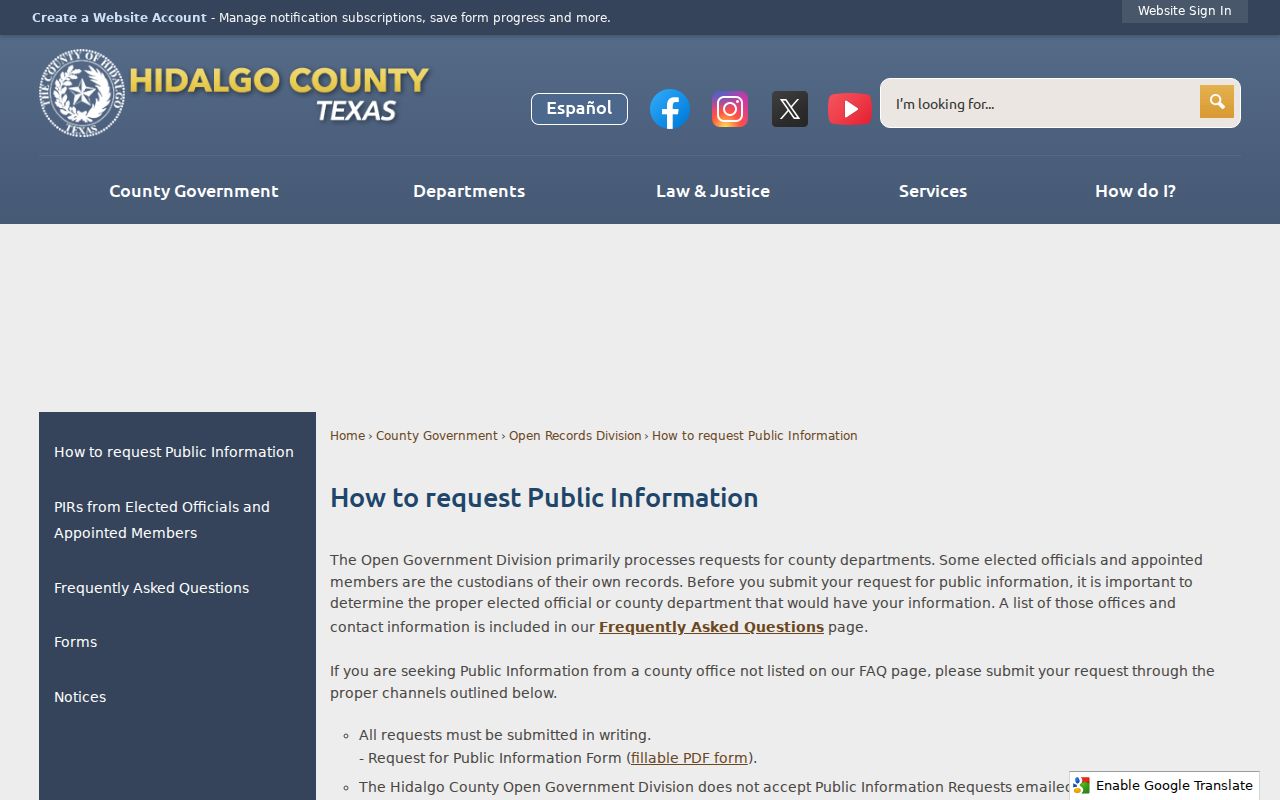
Hidalgo County routes written public-information requests through its Open Records Division, which posts a public-information contact and explains where each agency receives requests. Email, fax, mail, and in-person delivery are all listed, with a note that charges may apply.
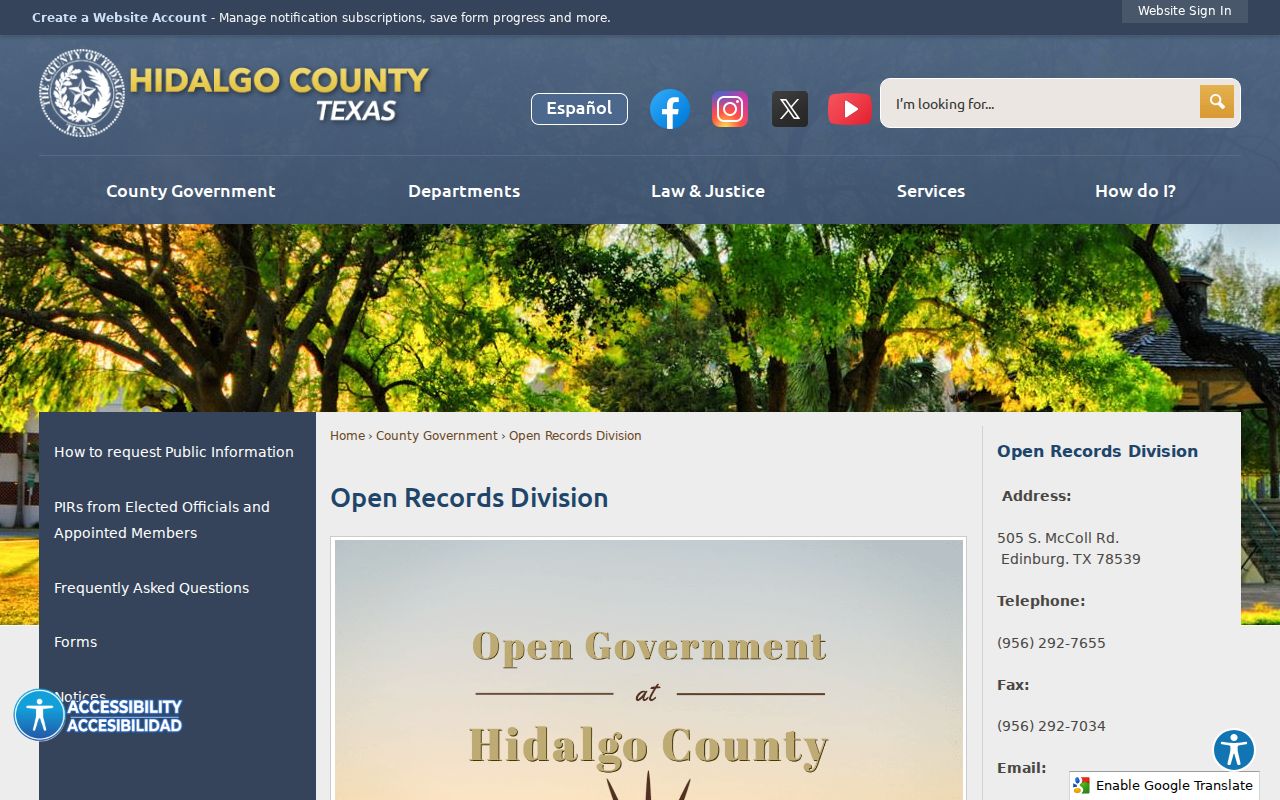
Hidalgo County's channel works for records an agency holds. For judicial files, send the request to the court or clerk keeping the file; the Hidalgo County request instructions list current submission details.
Restricted Warrants and Access Rules
Public access has limits. Sealed matters, juvenile files, active investigations, protected victim details, and personal identifiers can be withheld or redacted. A blank search proves little. The record may sit with another city or court, be too recent, or live only in a family or federal file. The Texas Public Information Act covers the government side. Judicial access follows Rule 12 plus court-specific rules. In Hidalgo County, treat neither a search result nor a written request as a guaranteed all-record answer.
Access note: Ask the clerk or issuing court which rule applies. A missing public entry does not tell you the legal reason or prove that no process exists.
Confirm a Hit With the Issuing Court
If a name shows up, ask the court to confirm the cause number, process type, appearance requirement, amount, and next step. No match? Ask the court to search its own records. The Hidalgo County Sheriff's Office can tell you how service routes, but its public page posts no complete online warrant list. License renewal is a different matter. The DPS FTA/FTP path answers that question, and DPS says its staff cannot confirm a warrant. Contact the court that reported the violation. For the countywide picture, the active warrant information page explains why a curated list and an open court record are not the same thing.